Openers · Mississauga
Smart Garage Controller Setup
One remote lives in a car you sold last spring.
In plain words
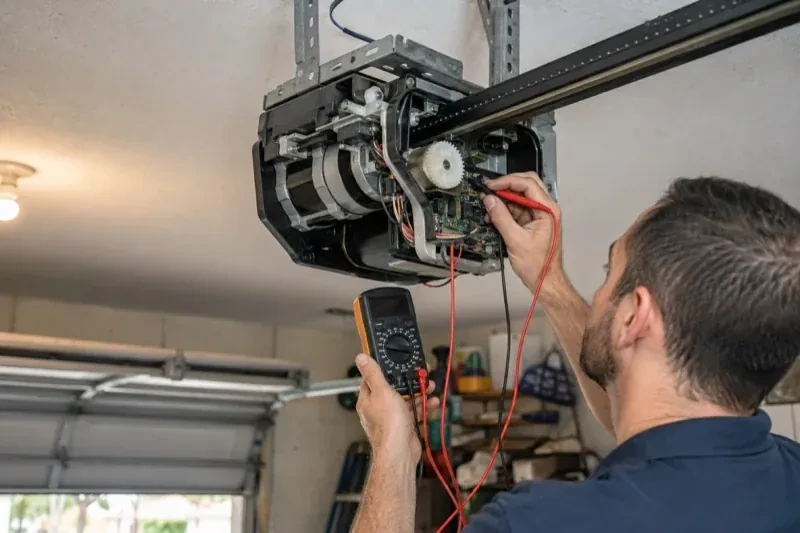
A smart controller is only as good as the wireless signal at the garage ceiling, often the farthest corner of the house from the router. The technician measures signal where the hub will sit, on the 2.4 GHz band most hubs use, before anything is mounted. A strong reading means a straightforward join to your network. A weak one, common in detached garages and behind insulated steel doors, is solved with a small access point or extender placed to bridge the gap, rather than an install that keeps dropping offline. Once connected, the hub takes its firmware update and holds its link through router restarts on its own.
How the visit goesThere is a wireless symbol printed on the opener above the car, and the manual mentions an app, but the head unit has never been connected to anything. You downloaded the app once, it asked for a serial number and a network, and the moment passed.
Smart Garage Controller Setup
How the visit goes
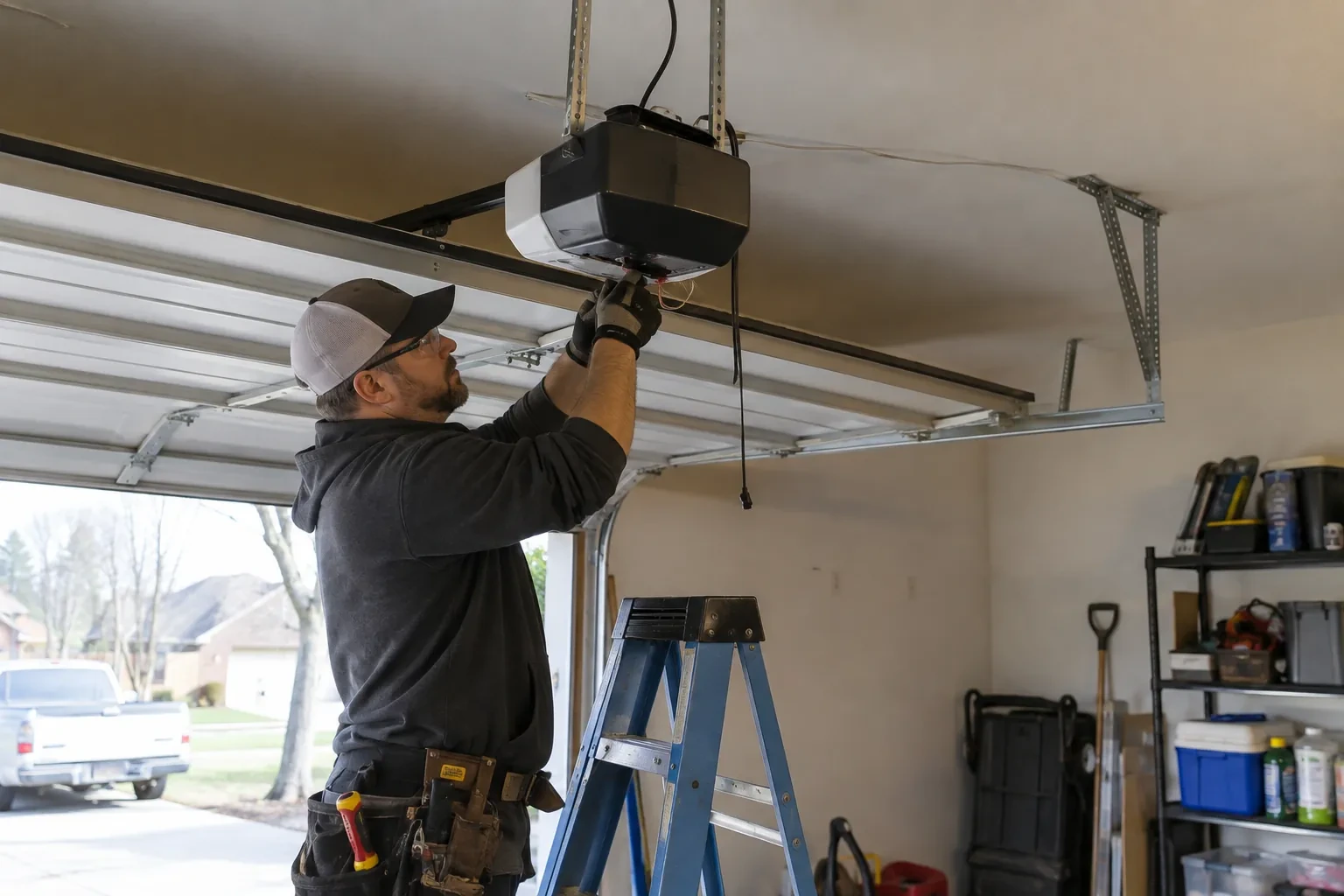
Signal strength at the ceiling
The hub will live beside the motor, so that is where wireless coverage is measured, not at the kitchen counter. The technician checks signal on the 2.4 GHz band, which most controllers use for its range, and notes how many walls, a floor and possibly an insulated steel door stand between the router and the garage. A detached garage across a driveway, a router tucked in a basement corner, or metal cladding on the garage wall all show up in this reading. Where the signal is marginal the plan includes a small access point or extender placed partway, because a hub that drops offline each week is not a working installation.
Pre-motion warning and the safety tests
Before handover the technician steps outside, out of sight of the door, and sends a close command from the app. The hub's beeper sounds and its light flashes for several seconds before the door moves, exactly as the operator standard requires for a command from someone who cannot see the doorway. Then the door is closed onto a length of 2x4 laid flat on the floor and must reverse on contact, and while closing again the photo-eye beam is broken and the door must stop and rise. Every existing control is tried too: wall console, each remote, the outside keypad. A door that passes all of this is ready to hand over.
Ready for the cold months
An installation done for this climate leaves you set for winter. The sensor is screwed rather than stuck on, its cell is a type built to withstand the cold, and the left-open alert is set so a door left up on a freezing night reaches your phone before the garage has lost its heat. Keep snow and ice cleared from the threshold and the photo-eye lenses, since a blocked beam pauses remote closing until it is cleared, and expect the door to be a shade slower on the coldest mornings. If the app reports the door open when it is plainly shut after a hard frost, the sensor mount is the first thing to check.
Smart Garage Controller Setup
In the van
Dry-contact adapter for encrypted openers
Lithium coin cell or cylindrical cells
Cable clips and insulated staples
Plug-in power adapter
Wi-Fi access point or extender
Smart Garage Controller Setup
What affects the quote
Wireless coverage at the garage
A strong signal at the ceiling is a straightforward join. A weak one, common in detached garages, calls for an access point or extender, which is quoted separately.
Users and devices to set up
Each family member's login, each phone that should receive alerts and each guest access is set up and tested individually, so say how many people are involved.
The opener's generation
Some openers accept a two-wire connection at the wall-control terminals; others use encrypted consoles and need radio pairing or a small adapter between hub and opener. The learn button and label decide which.
What to have ready
- Which email address should the account be created under?
- What colour is the learn button under the opener's light cover?
- Is the garage attached to the house or detached?
Smart Garage Controller Setup: questions
QuestionsCan other people in my household use it?
Yes. The owner's account invites each family member as a user with their own login on their own phone. Each person's opens and closes appear in the history under their name, and the owner can adjust or remove any user at any time. Sharing one login is discouraged because it muddles the history and makes it harder to remove access for one person later.
What does the colour of the learn button tell you?
On many openers the learn button's colour marks the generation of radio coding the unit uses, which decides how a hub can talk to it. Some generations accept a simple two-wire connection at the wall-control terminals; others use an encrypted console and need the hub paired by radio or through a small adapter. Sending a photo of the button and the label ahead of the visit lets the technician arrive with the right hardware.
How long does the setup take?
A built-in radio that only needs pairing and an account is the shorter visit. A retrofit hub with wiring, a sensor and network work takes longer, and adding an access point for a detached garage or correcting photo eyes first adds to it. The testing at the end, every control plus the safety tests, is never rushed. You are told where things stand once the compatibility check is done.